Top 5 features of Samsung Galaxy Z Fold 7
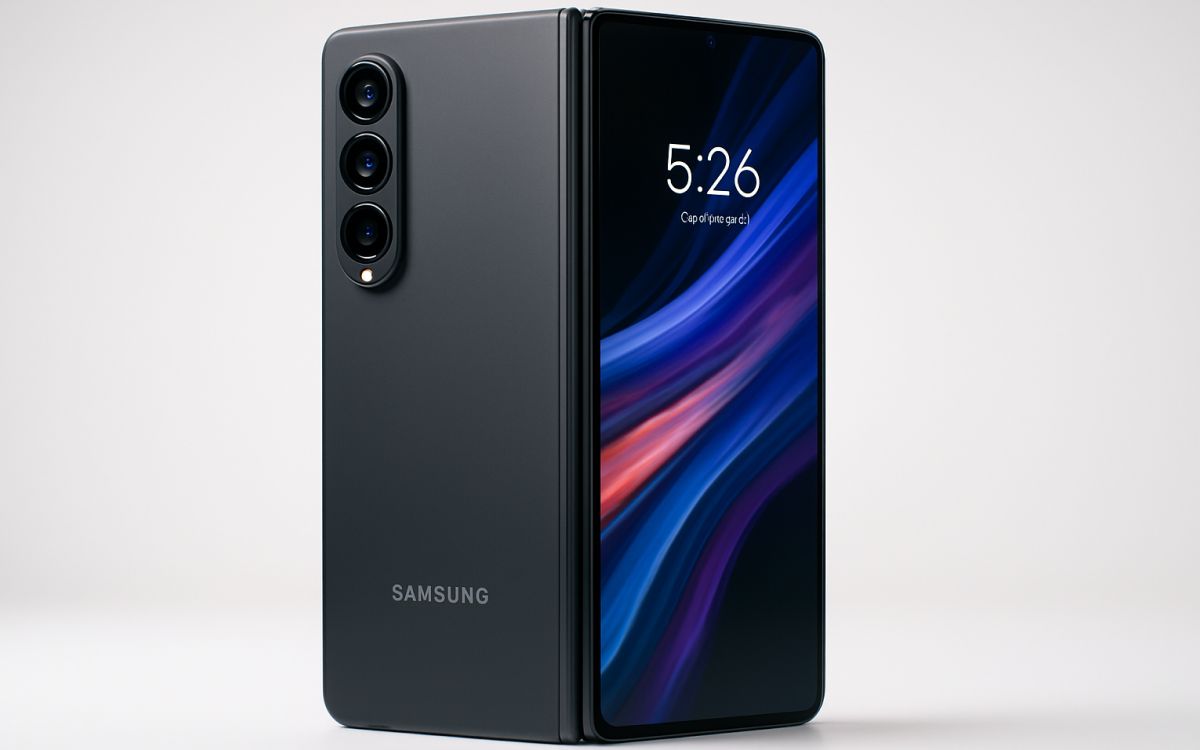
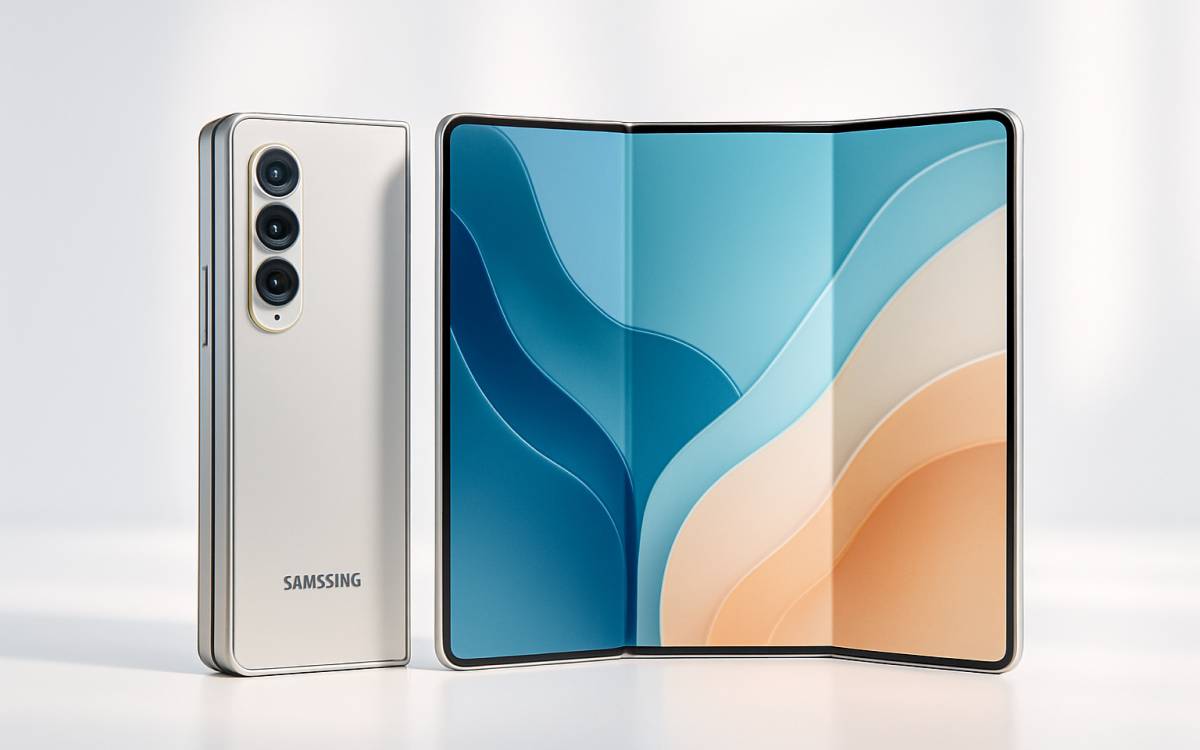
The Samsung Galaxy Z Fold series is now in its 7th generation with the launch of Fold 7. The new model is lighter, smaller, and thinner than its predecessors. The sleek phone also combines portability with high performance and advanced technology. Despite this, it offers the advantages of a larger screen, thanks to its book-style design. Smartphone enthusiasts should research the model’s features before buying to ensure it aligns with their usage needs.
Software
The Samsung Galaxy Z Fold 7 ships with Android 16 out of the box, making it one of the first phones to offer that software upgrade. It includes 7 years of security and OS upgrades, the best offer in the phone market at present. The phone also includes Samsung’s One UI 8, which offers better productivity through multitasking, advanced Galaxy AI integration, and improved privacy. The foldable phone lets users run three applications simultaneously on the screen, with a fourth as an overlay. The phone also carries a series of Galaxy AI tools, including Photo Assist, Portrait Studio, Audio Eraser, Writing Assist, and Drawing Assist. The new Side-by-Side Editing tool lets users easily compare the original and edited photos. The Circle to Search tool is a helpful feature that improves the gaming experience.
Cameras
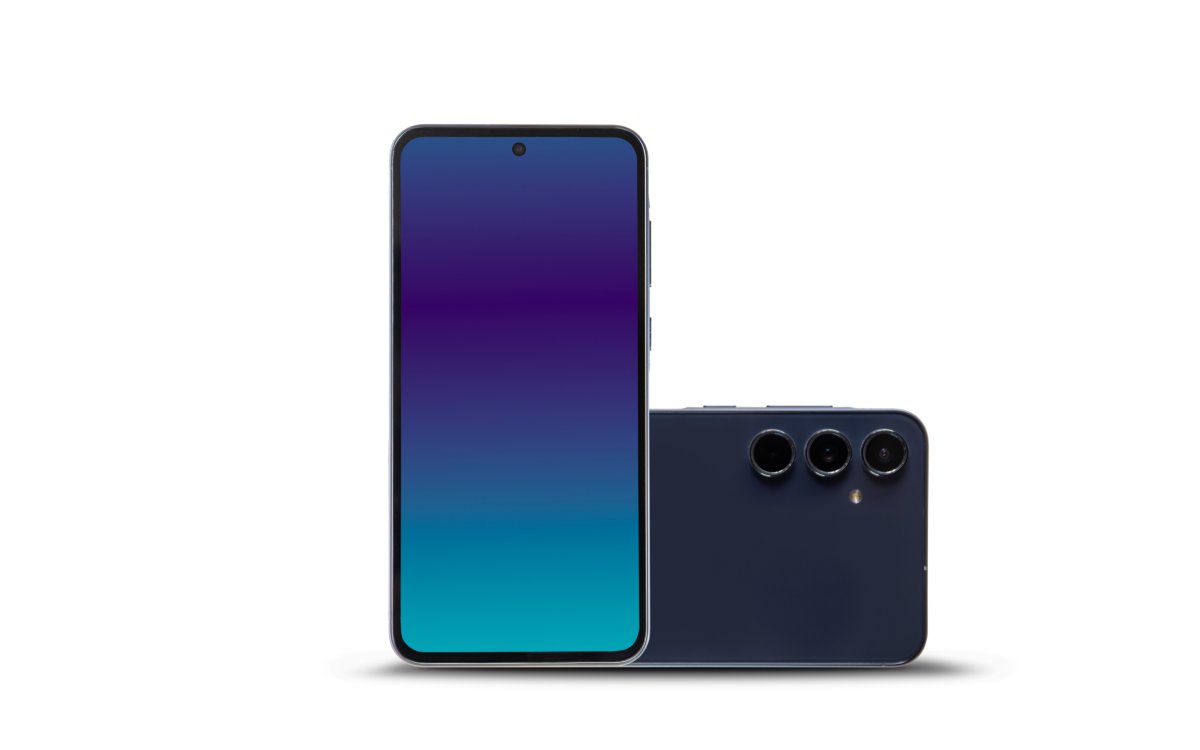
Like its predecessors, the Samsung Galaxy Z Fold 7 has 5 cameras: 3 on the rear, 1 on the inner screen, and 1 on the outer screen. The camera’s wide field of view ensures users can take photos regardless of how they use or hold the phone. The primary camera is 200MP, a significant step up from the 50 MP in previous models. There is a 12MP ultrawide camera and a 10MP telephoto camera, which offers 30X Space Zoom. Both selfie cameras have been upgraded to 10MP, delivering sharper images. The Samsung Galaxy Z Fold 7 can record crisp 8K videos at 30 frames per second, a hard-to-come-by feature in other handsets. All this means the Fold 7 does not force users to choose between good smartphone performance and a camera.
Audio
The handset is perfect for making clear, audible calls, even in noisy environments. The phone includes features that let users reduce background noise when recording video. Its speakerphone also delivers higher volume, ensuring a better call experience for both the speaker and the receiver. Both the top and bottom edges of the phone have stereo speakers, ensuring even sound distribution. The Fold 7 also supports Dolby Atmos audio for select media files.
Battery life
Even with major design and technology upgrades, the Fold 7 retains the same battery as its predecessors. It packs a 4,400 mAh battery despite its reduced thickness and supports the same 25W wired charging as the Fold 6. It also features 15W wireless charging and 5W reverse wireless charging. By retaining the same battery capacity and charging speeds, the Fold 7 ensures consistent performance and simplifies thermal management. With this battery performance, the phone delivers almost 26 hours of video playback. Furthermore, the Fold 7 does not include a charging adapter in the box, so buyers will have to purchase one separately.
Performance
The Samsung Galaxy Z Fold 7 features the Qualcomm Snapdragon 8 Elite chip. This is an upgrade over previous models, as it is the highest-performance chip on the market today. The Fold 7 phone retains the same 12 GB of RAM, with options for storage space. Users can choose from 256 GB, 512 GB, or 1 TB of storage. But the Fold 7 does not support MicroSD cards. So, it is important to carefully select the storage option based on usage needs. The specs enable faster app launches and multitasking.